


SIXWGH Smart Socket Bluetooth US Plug eWelink App Control Timing
Description
SPECIFICATIONS
Application: Residential / General-Purpose
Backlight/Indication: Not
Brand Name: sixwgh
Choice: yes
EU LVD Voltage: High voltage: Above 50Vac or 75Vdc
Extension Cable Length: None
Features: Remote Control,Standing Style,WireLess
Grounding: Non-Grounding
High-concerned chemical: None
Input Voltage: AC100~240V,50/60Hz
Installation Type: Wall Mounted
Is Smart Device: Yes
Item Name: Us smart socket
Material: Plastic
Model Number: WHDM01
Number of slots: 3 or more
Origin: Mainland China
Shape: Round
Standard: 54*30*51mm
RF2.4G wireless socket smart soceket remote control socket wireless switch US plug
✅✅✅After receiving the socket and remote control, it is necessary to pair the socket with the remote control:
The remote control needs to remove the red insulation paper so that it can be powered on.
✅✅How to pair the remote control with the socket:
Power on the socket, quickly press the socket button 3 times to connect, then press the remote control button 2 times. If the socket is controlled, the pairing is successful.
✅✅How to clear pairing between remote control and socket:
Press and hold the button on the socket for about 10 seconds until the socket indicator light flashes rapidly for 3 times and stops. Release your hand and clear the pair successfully.
✅Attention: If the indicator light flashes slowly or rapidly, it indicates that the pairing has entered invalid pairing mode and cannot be successfully paired. You need to clear the pairing code of the socket and then perform the pairing operation again. (The indicator light must flash twice and stop once before pairing can be successful)
✅✅✅How to connect to eWelink APP
1.Download eWeLink APP.
2.Connect your phone to 2.4GHz WiFi or 4G data, and turn on your phone's Bluetooth.
3. Press the pairing button quickly and continuously for 3 times. The indicator light will flash twice and stay on once to enter the distribution network mode.
4.Open the homepage of the eWeLink APP, click” +” ,in the upper right corner of the page, and Select 'Scan' and scan the second QR on the instruction manual.
5.The device has been added successfully, you can change the name of the device.Click“Finish adding”.
✅✅Our advantages
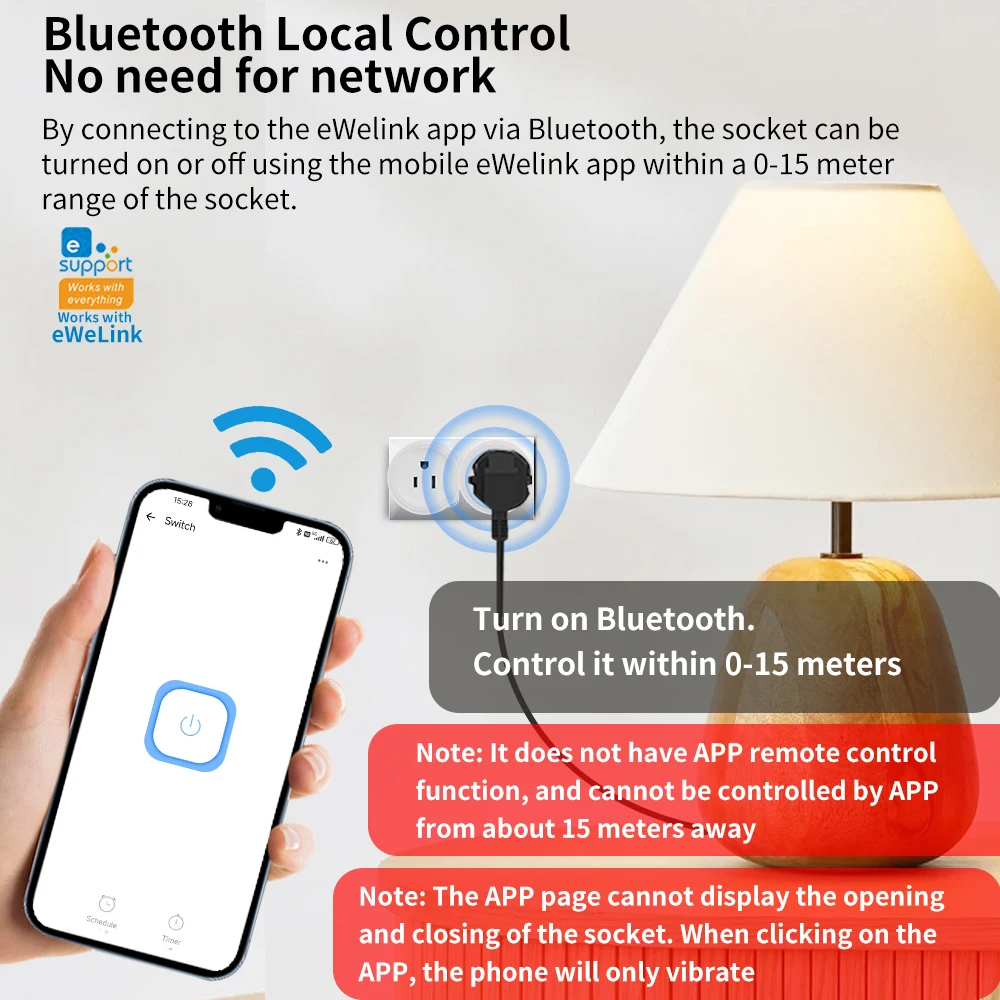
✅Bluetooth Local Control,No need for network
✅This socket does not have WiFi function and cannot be remotely controlled by a mobile phoneIt does not support RF433
✅When Bluetooth is turned on on on your phone, it can be controlled within 15 meters of the socket using the eWeLink APP. The socket can be turned on or off using the eWeLink APP (however, on the APP interface, it is impossible to distinguish whether the socket is turned on or off, you need to check the socket to determine whether it is turned on or off), which is equivalent to the phone only functioning as a remote control.
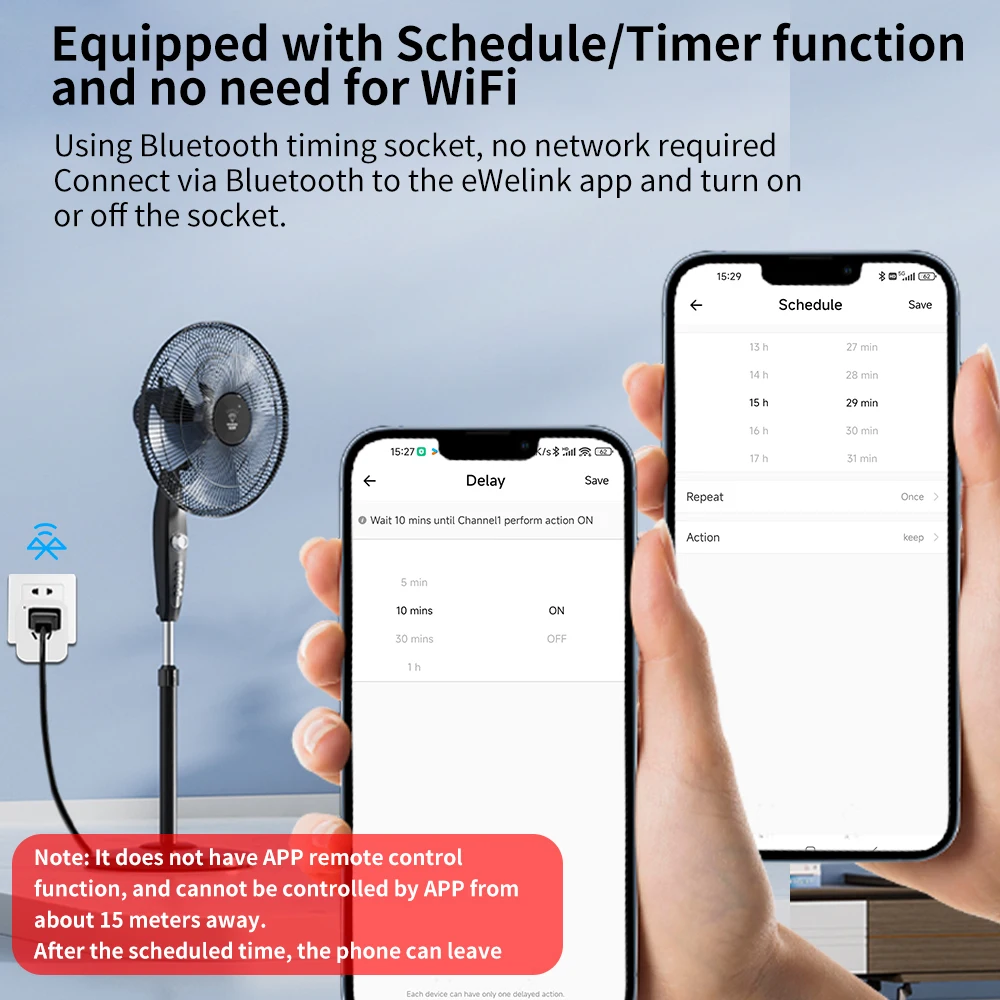
✅✅ Equipped with timer function, no WiFi required
However, when setting the timer function, you need to turn on mobile data or WiFi before setting it up.
✅ Attention: Due to the lack of WiFi and mobile data, there may be errors in setting the timing function during actual use, resulting in delays.
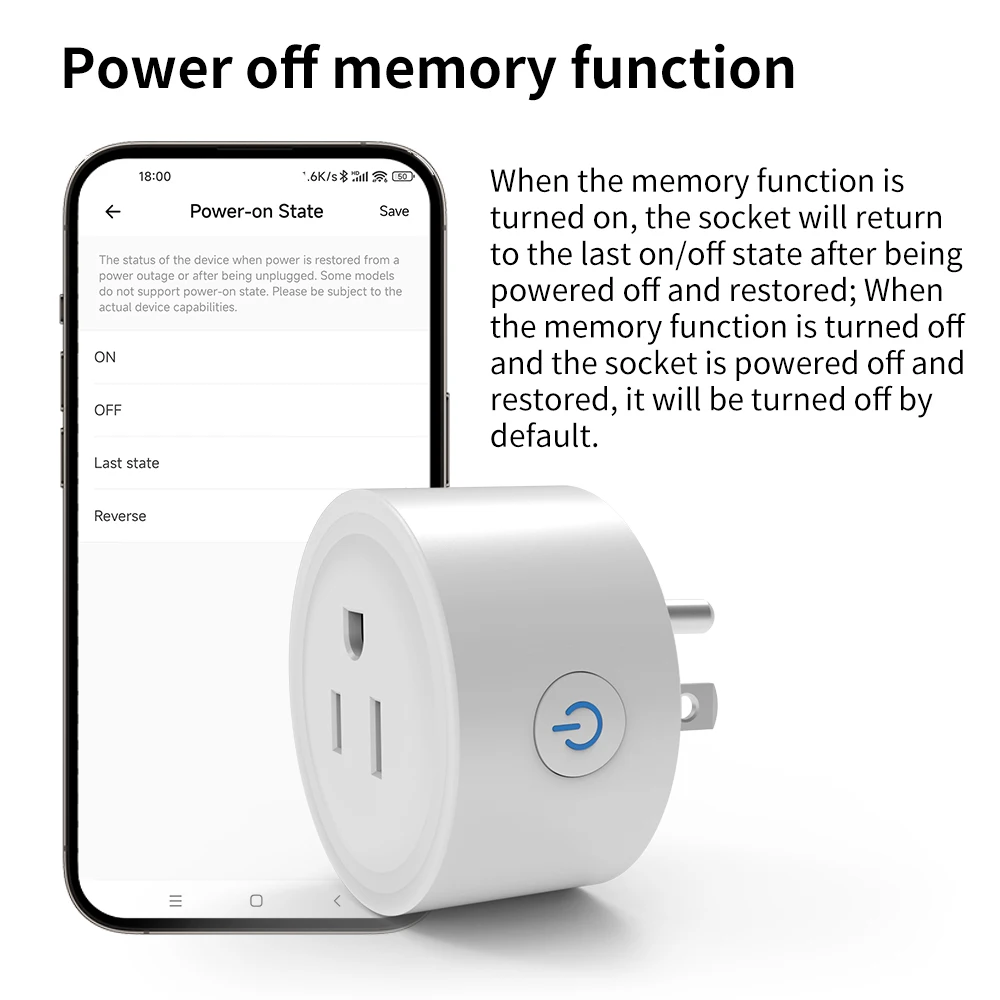
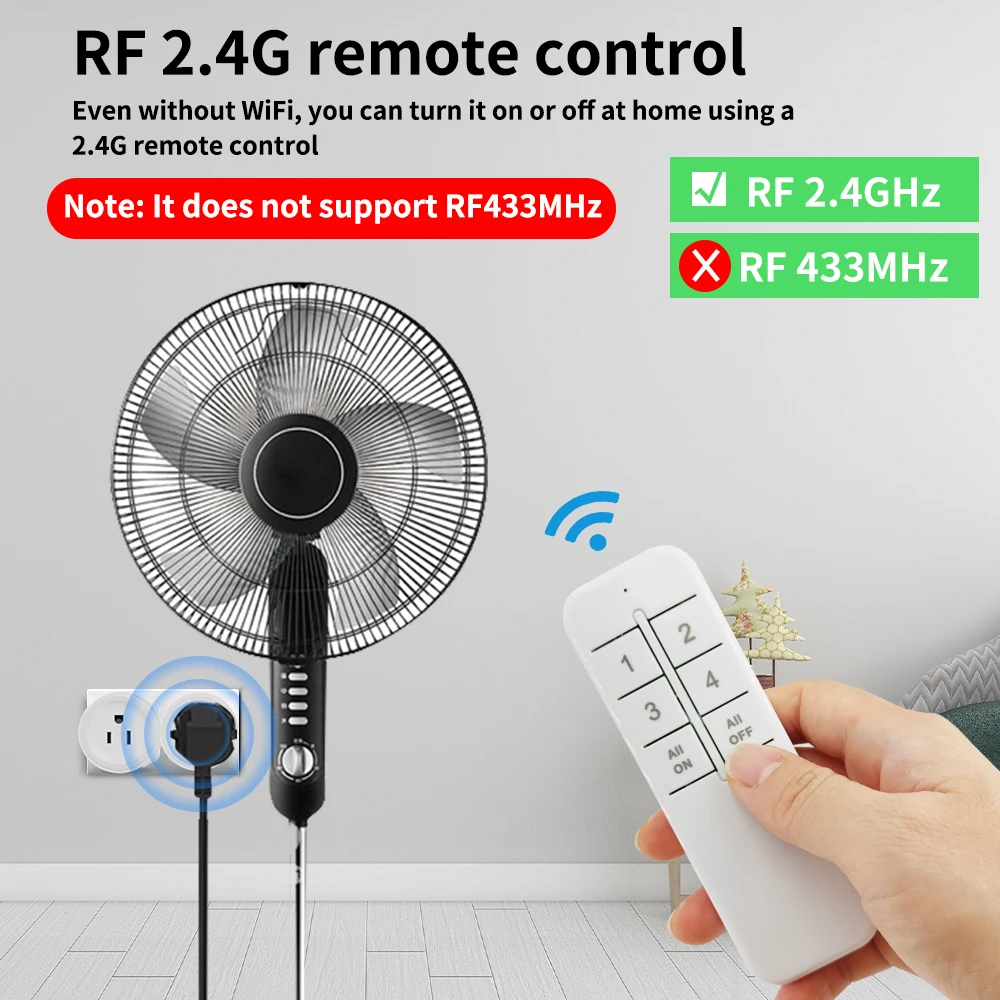
✅RF 2.4G remote control
Even without WiFi,Even without using a mobile phone, you can turn it on or off at home using a 2.4G remote control。
Note: It does not support RF433MHz
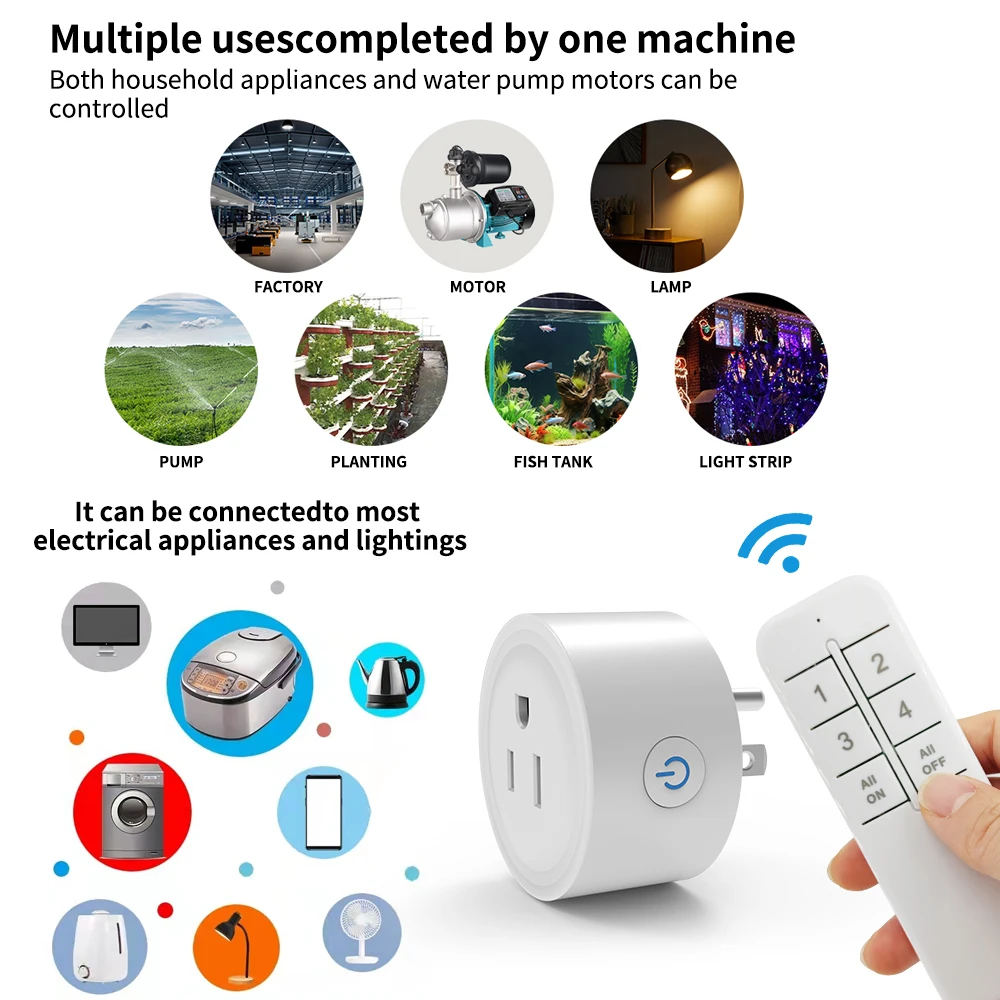
✅Within a range of 20-30 meters, you can use a remote control to control indoor or even outdoor lighting。
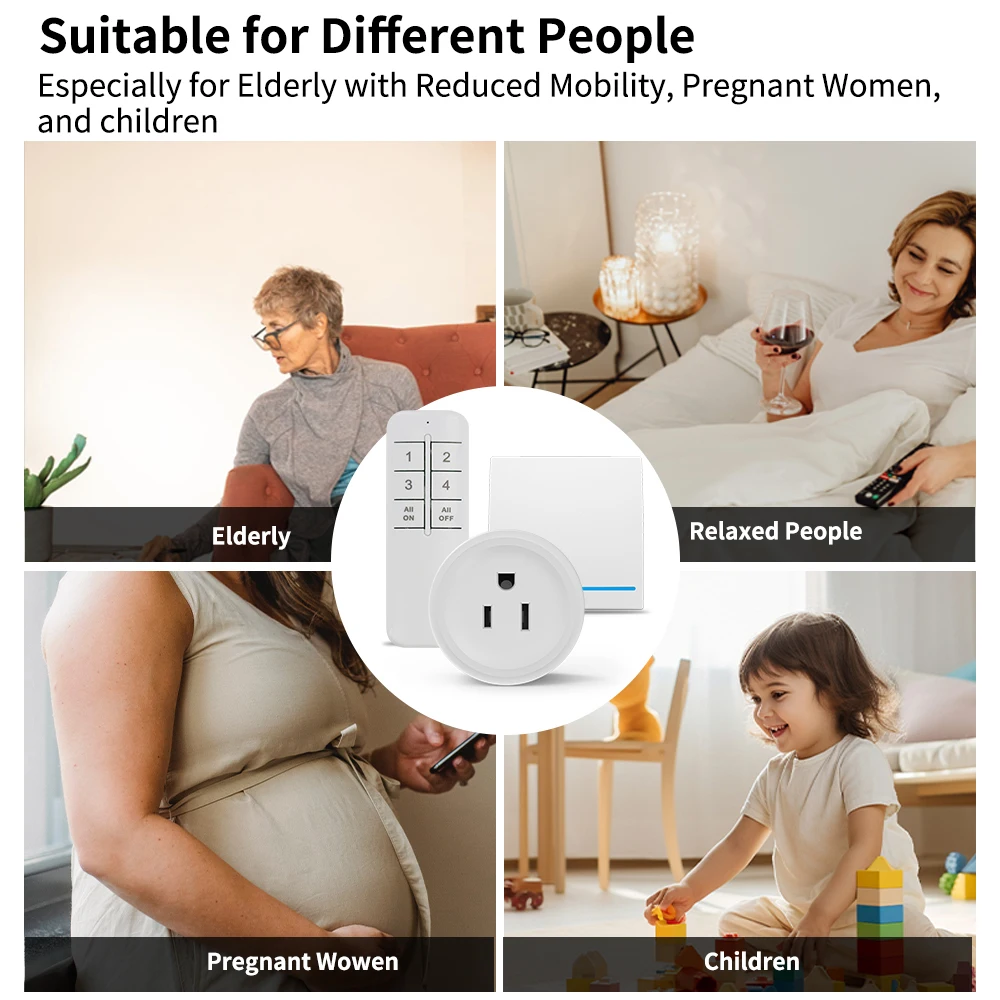
✅Suitable for Different People
Suitable for various groups of people,For the elderly, pregnant women, and children, it is very convenient to use.
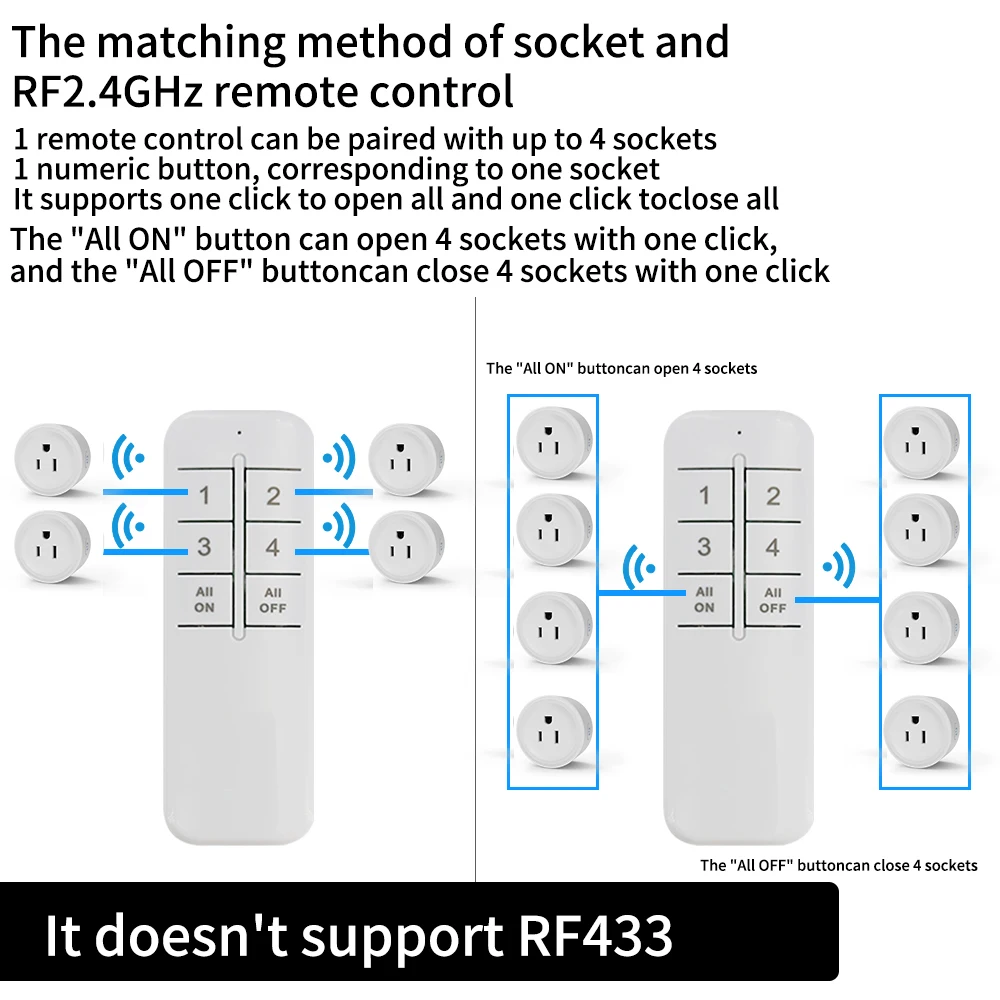
✅ The matching method of socket and RF2.4GHz remote control
The remote control can be paired with 4 sockets, and it can use the "All ON" button to turn on 4 sockets with one click, and the "All OFF" button to turn off 4 sockets with one click.
1pcs socket +1pcs remote control
2pcs socket +1pcs remote control
3pcs socket +1pcs remote control
4pcs socket +1pcs remote control
..............Up to 5 buttons can be paired with 1 socket
✅ The matching method of socket and RF2.4GHz wireless switch
1pcs socket +1pcs 1Gang wireless switch
2pcs socket +1pcs 2Gang wireless switch
3pcs socket +1pcs 3Gang wireless switch
..............Up to 5 buttons can be paired with 1 socket
✅Socket parameters
Working voltage: 100-240V 50/60Hz
Maximum load current: 10A
Working frequency: RF2.4GHz
Wireless standard Size: 54x54x53mm
✅2.4G Remote control parameters
Battery model: 2pcs * AAA battery
Working frequency: RF2.4GHz
Size: 118 x 40 x 10 mm